
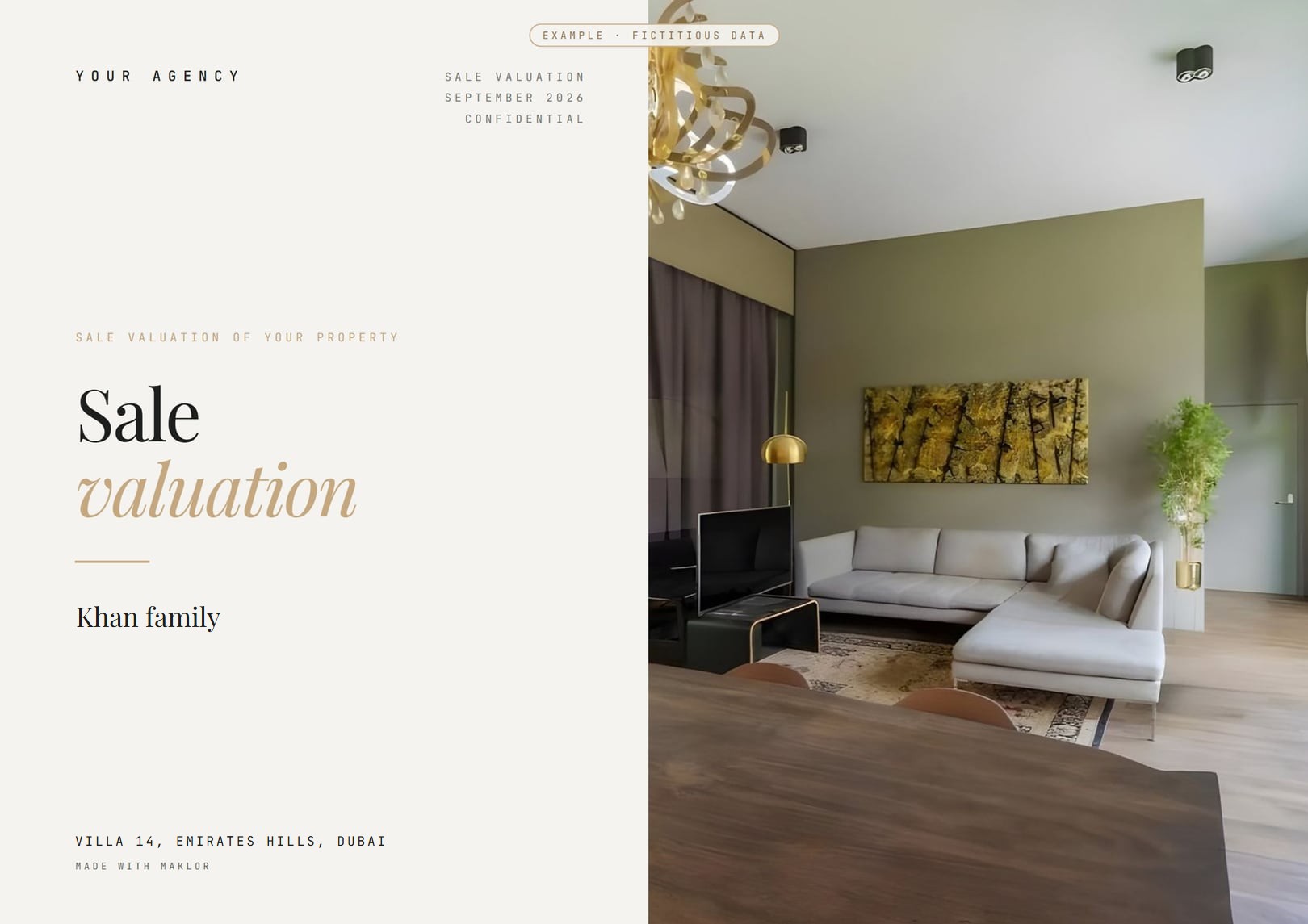
The valuation that wins owners over.
Value, range and comparables, presented to the owner in your agency's colours.
- Owner report
- Client report
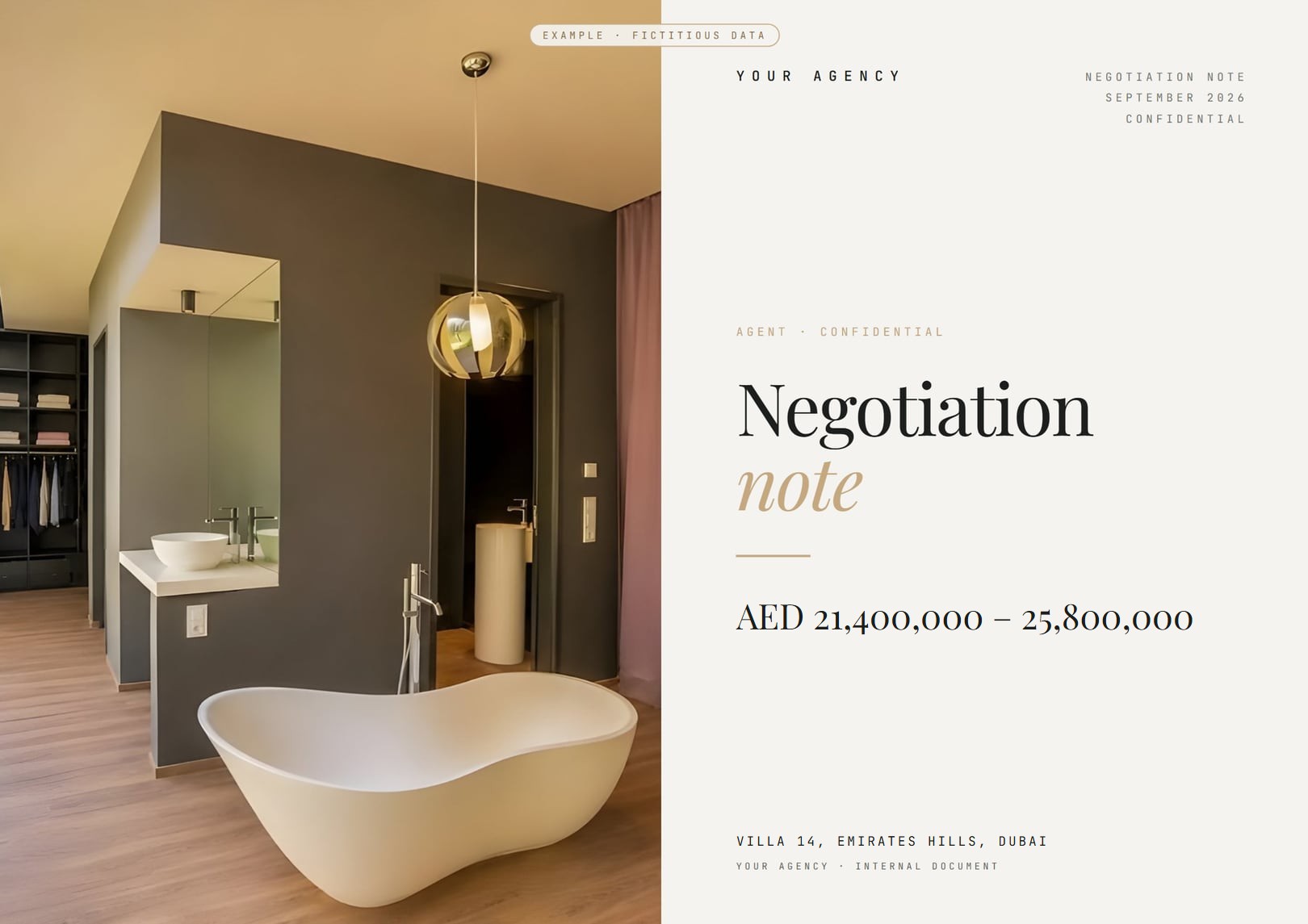
- Negotiation note
Maklor guides every step of a property viewing, from the field to the final file.
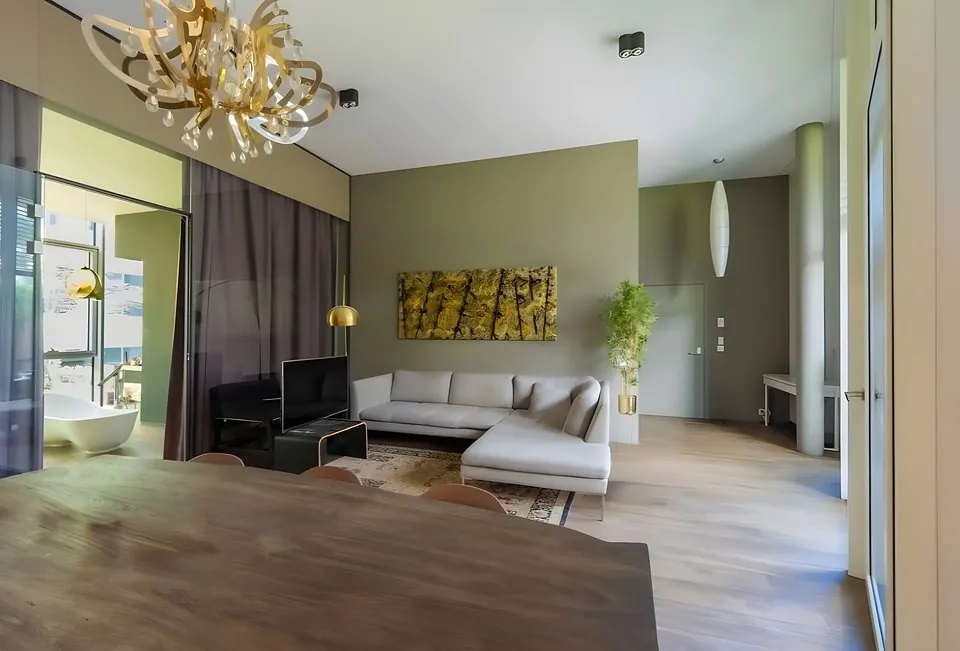
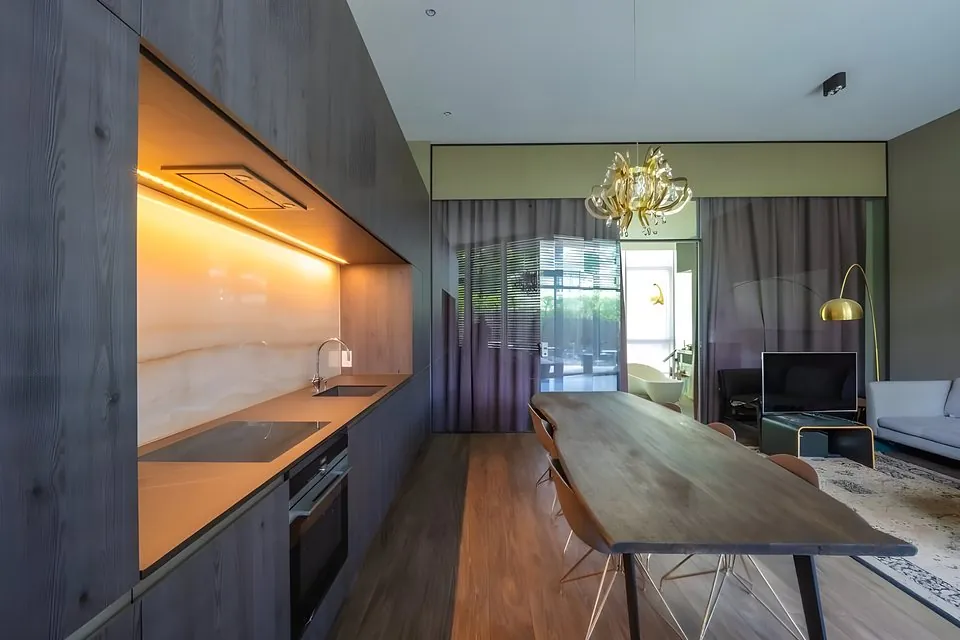
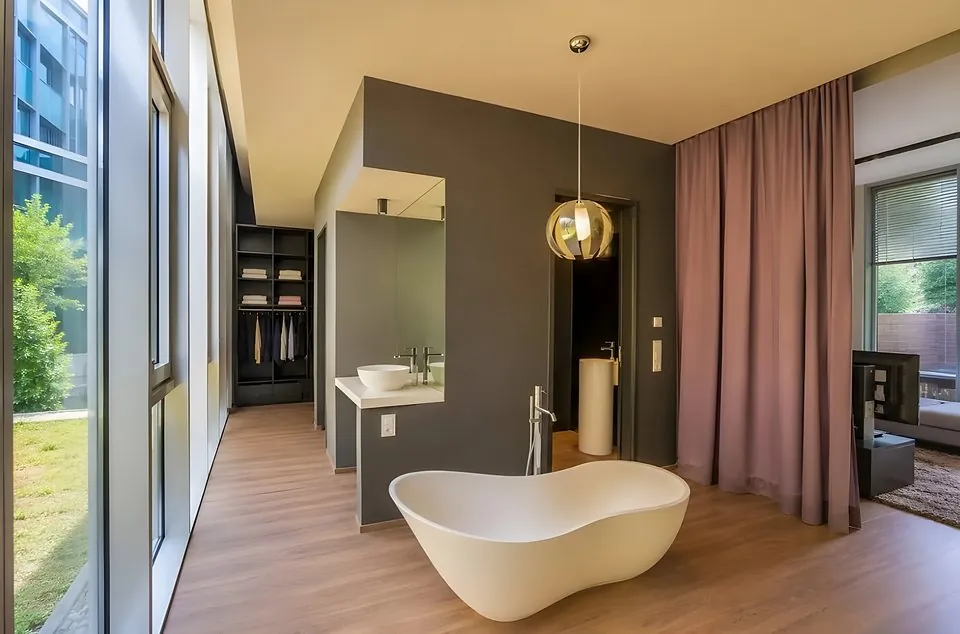 9 photos
Photos, information and observations, straight from the field.
Maklor turns what you collect into usable data.
Maklor prepares the parts of the file while you get on with your day.
The files and reports are ready to be checked, approved and sent.
Value, range and comparables, presented to the owner in your agency's colours.
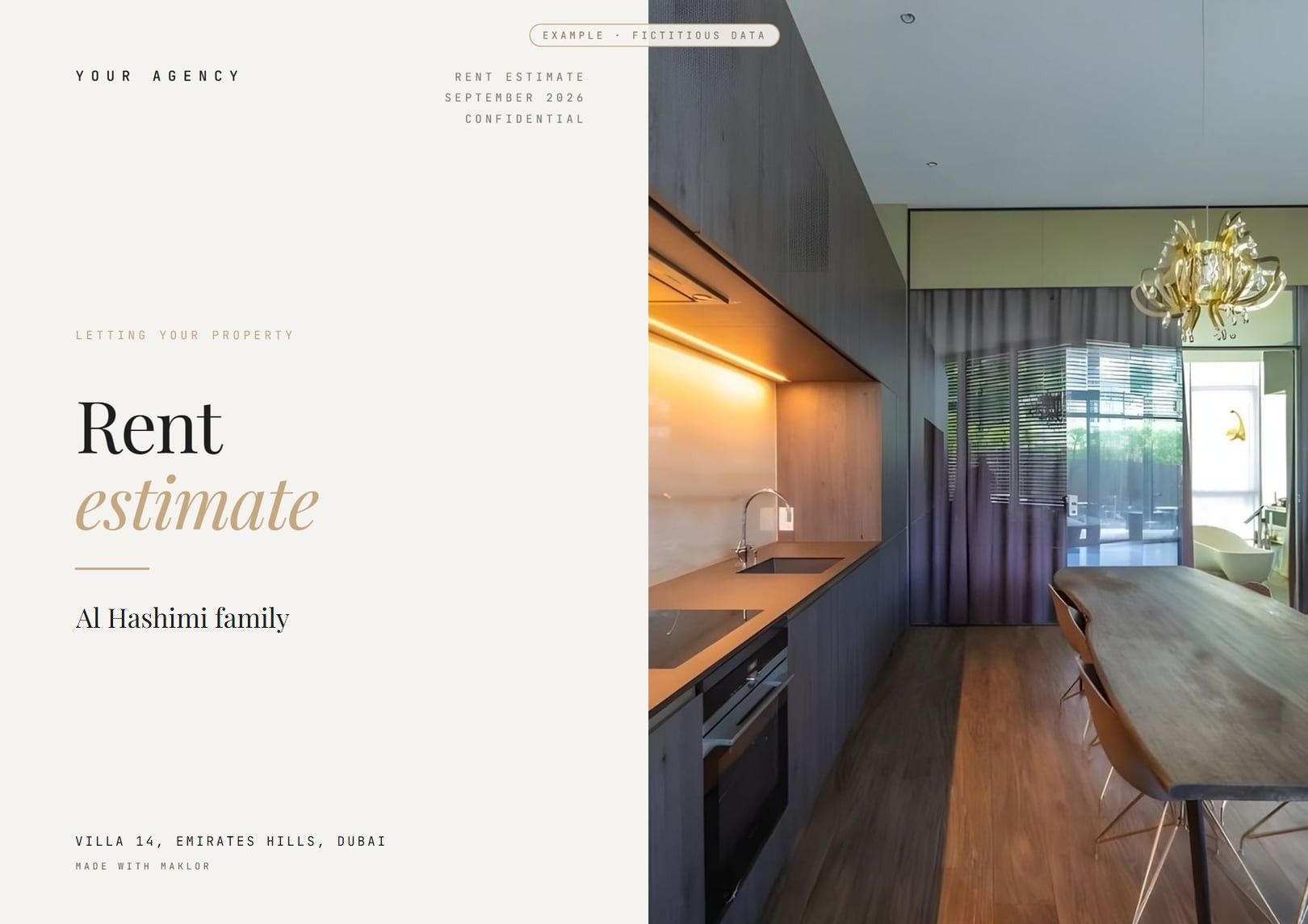
Recommended rent and the local rental market, for landlords ready to let.
The closing file follows the transfer phase document by document: one list for every file, plus emirate-specific documents wherever an official source exists.
After your viewing, Maklor can prepare what your file needs. You stay in control of every action.
Maklor prepares. You approve.
In your agency's colours, ready to be checked and then sent.
On your computer, Maklor brings together everything the app prepared in the field.
The Daily overview brings together your active listings, your upcoming appointments and the signals to deal with: you see first what needs your attention.
Maklor reads the listings published online — price cuts, long time on the market, repeated price changes — and flags those whose seller might welcome a new approach.
Import your listings and contacts from the files your current tool already produces, or automatically via SFTP. Export to listing portals is not yet available.
In a basement or out in the desert, the viewing carries on. Everything is saved on the phone, then synced when the signal returns.
Your viewings, valuations and files, without taking the office with you.
See pricingYour agents share the same closing checklists and branded reports; management sees how business stands, without micromanaging.
See the Agency plansCustomisation, process automation and integration with your tools: we tailor Maklor to your organisation, quoted on request.
See the tailored plan9 photos